
How to Check for a Warrant in Greeneville
Start with whichever city the citation names. The Greeneville Police Department sits at 200 North College Street and answers at 423-639-7111. Town Hall is 423-639-7105. The city pages list police contacts and Online Ticket Pay, but no public warrant search or result fields.
- Read the citation for Greeneville, court date, citation number, and issuing office.
- Call Greeneville Police or the current city court contact about the docket.
- Check the official live-feed notice if a court date may have changed.
- Ask whether payment is allowed and whether a judge must reset or recall process.
- If the paper names a county court, use the county clerk route described below.
Before calling, gather the name, date of birth, citation or case number, and the rough date of the ticket. Staff in Greeneville can route a question faster with those details. They are not website search fields.
Greeneville Live-Feed Notices Can Change Dates
Greeneville's police live feed has carried notices canceling or rescheduling court and telling traffic-court users to call 423-639-7111. A paper notice may still show an older date. Confirm the current setting with the city before you pay or drive anywhere. A changed date is not a warrant-status answer. Ask whether the court entered an FTA or other process after the missed setting, and whether a new date or a judge's action is needed. Check the official Greeneville live feed for current notices, then take any personal docket question to city staff.
The Greeneville Police Department and Municipal Court
Greeneville's police and municipal court route covers city ordinance and city-traffic matters. The official Police Department page lists the address, phone, division links, records information, and Online Ticket Pay navigation. It posts no public active-warrant list or recall form. The Greeneville Police contact page is the first official source for city routing.
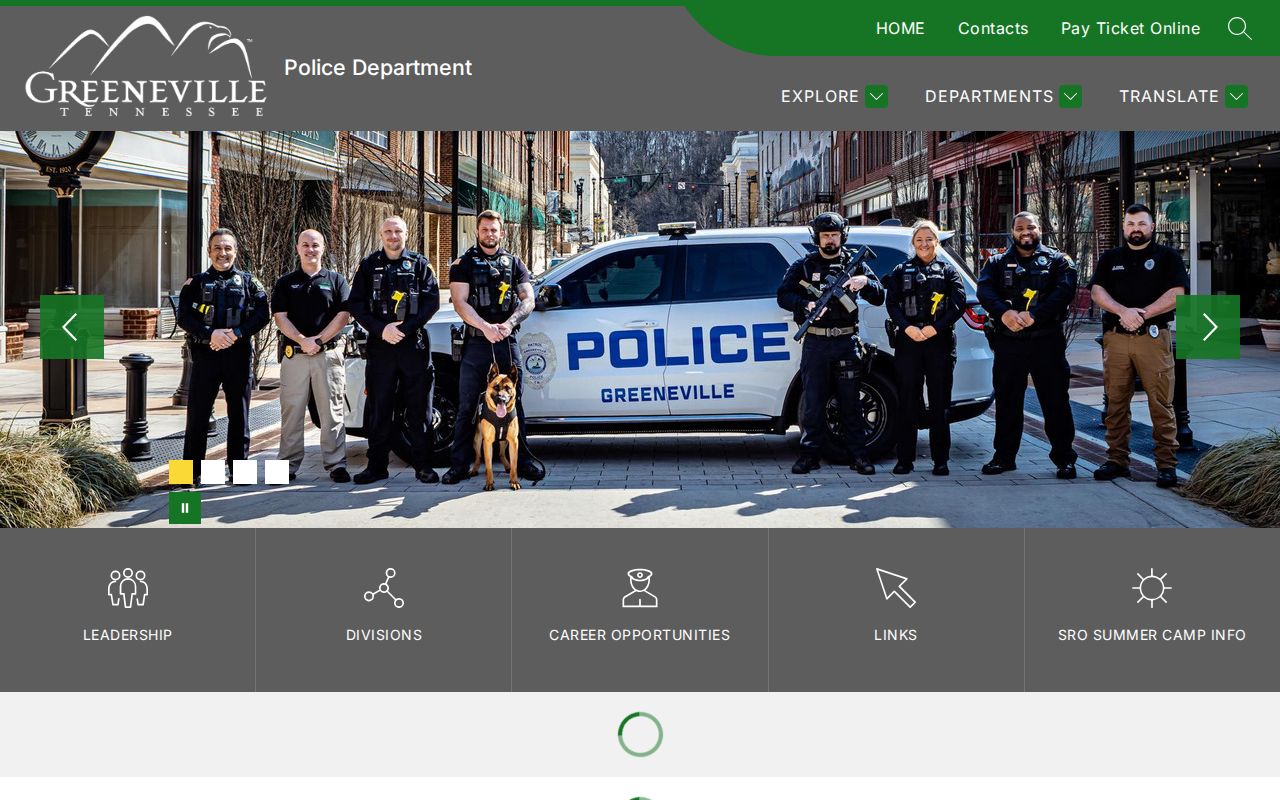
Call the department to learn which city clerk or court staff handles your citation. The Town of Greeneville homepage supplies the city-hall and department route.
These are contact sources, not a public warrant roster.
Greeneville Ticket Pay Is Not Warrant Status
The police page links to an online ticket-payment service. That page shows no warrant fields, no status label, and no promise that paying a citation recalls court process. Ask whether your ticket is eligible for online payment and whether an appearance is still required. A receipt proves a payment went through. It does not show whether a judge withdrew a warrant or cleared an FTA. Ask Greeneville for written confirmation of the docket action, and keep the receipt or any new setting.
Types of Greeneville Warrants
A Greeneville resident may face city traffic or ordinance process, a summons, or an arrest warrant routed through a different court. A notice to appear is not automatically an arrest warrant. Ask the city to name the process on its docket.
| City Record | How It May Arise | Who to Ask |
|---|---|---|
| Traffic citation | City traffic matter or scheduled appearance | Police/city court contact |
| Summons | Notice to appear on an ordinance or traffic matter | Greeneville Municipal Court |
| FTA or bench process | Missed required city court setting | Issuing judge or clerk |
| County criminal warrant | Case issued outside the city docket | County court named on the paper |
Greeneville Code and Traffic Matters Stay Distinct
The city's official code index includes Title 9 motor-vehicle and traffic provisions. That index gives legal context for city traffic matters. It is not a person-level search, and it cannot show whether a citation became a warrant. Use the code to identify what a city rule covers, then call the court about the specific citation. The court's docket and order, not a code page or payment link, control the current process. The official code index holds the traffic title and town code materials for Greeneville.
What a Greeneville Warrant Record Shows
Greeneville publishes no public warrant result and no local number format. The questions below come from city-code context and court procedure, not from fields confirmed in any online result.
| Citation or warrant number | No public example found |
|---|---|
| City court date | Ask whether the setting is current or was moved. |
| Offense or ordinance | Confirm which city rule or traffic matter is in the docket. |
| Payment and disposition | A balance or receipt may not show recall status. |
| Next action | Ask whether payment, reset, appearance, or judicial recall is required. |
Have city staff confirm the exact process label and date.
Greeneville Warrant Calls Need Court Confirmation
Ask whether the clerk is reading the current docket, a payment account, or a schedule notice. Those are three different sources. If a cancellation notice appears online, check whether the case was simply continued or whether the missed date created a new entry. Greeneville has no confirmed active-warrant list, city bond schedule, public recall form, or online status timestamp. Call before you travel. Ask for the current court contact if a staff role has changed.
Where Greeneville Warrants Fit With Greene County
A Greeneville ticket belongs to the city. The city court and its police handle it, start to finish. A county General Sessions or criminal case takes a different path, landing with the clerk at the county level. A law-enforcement question about the county can go through the Sheriff's Office. Nothing shows that city warrants roll onto a county list, so search both if you are unsure. For the county clerk, the Sheriff, access rules, and other towns, use the Greene County warrant overview.
Greeneville Tip411 Is Not a Warrant Search
Greeneville Police offers tip411 by web, app, and text. The published text direction is GPDTN to 847411. That is a public-safety tip channel. It is not a way to check your own docket or ask the court to confirm an active warrant. For a case-status question, call the city contact listed on the police page. Do not put personal court details into a tip form or seek payment or recall instructions through it.
Public Access to Greeneville Warrant Records
The Tennessee Public Records Act may allow a focused request for non-exempt municipal records. Ask Greeneville for its current Public Records Request Coordinator and policy. Juvenile, sealed, investigative, and personal information may face separate limits. The city posts no warrant-specific request form or fee schedule.
Access: The Tennessee Public Records Act applies to local records with statutory exceptions. It does not require a live online name search.
Greeneville Warrant Requests Need a Citation
Writing to the Greeneville clerk works best when you are specific. Name the docket or citation record you want, plus the date range. A citation number helps if you have one. Say whether you want to inspect the file, get a copy, or receive a certified record, since the clerk may need a form or a fee under local policy. If the clerk says the case is county-issued or state traffic instead of a Greeneville ordinance matter, ask which court holds it. A city payment page cannot settle a record kept elsewhere.